Itineraries with WIP: create, read, download
In the Itinerary tab you can have a day‑by‑day program created, choose a ready‑made one from the Library, compose a tour with audioguides, or plan with others.
Translated from Italian. Screenshots, videos and examples show the app in Italian.
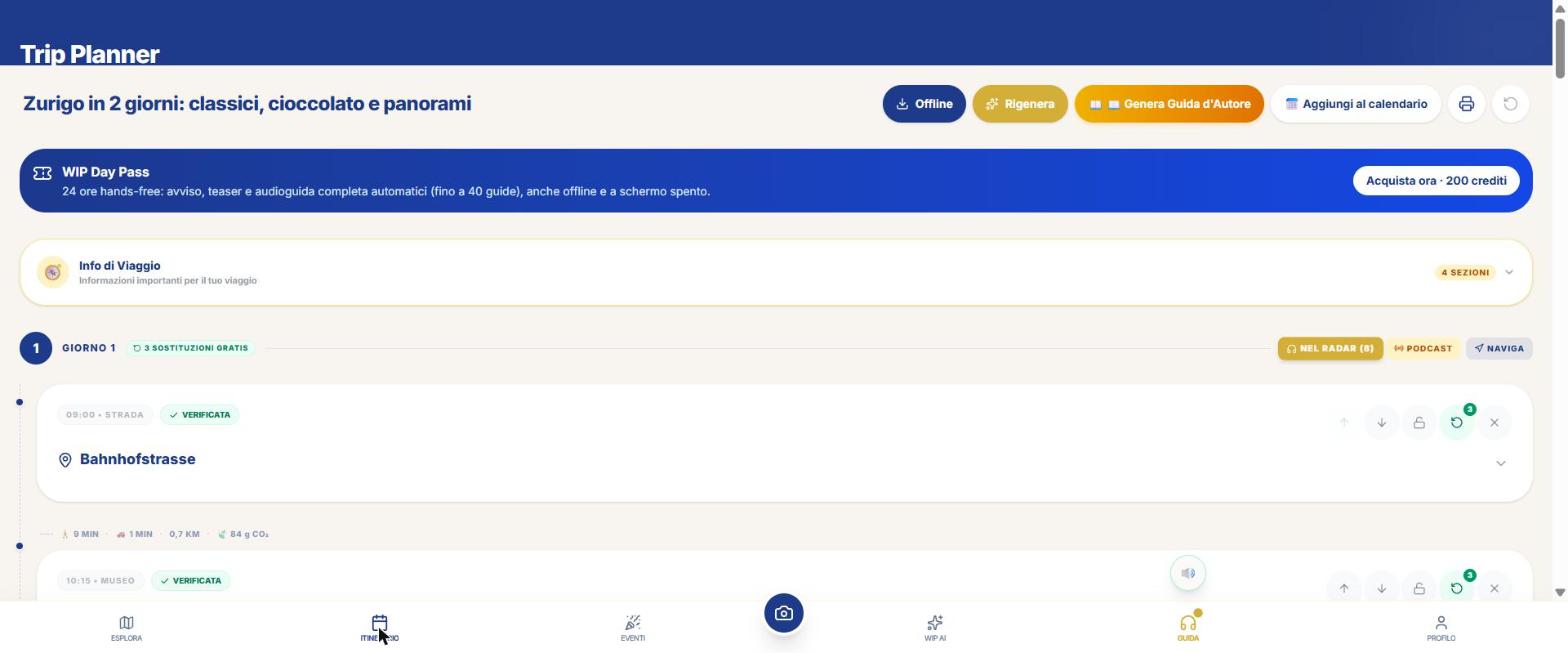
What you get: real examples
Files generated by the app for a real user, untouched: a big city and a smaller town. They are in Italian.
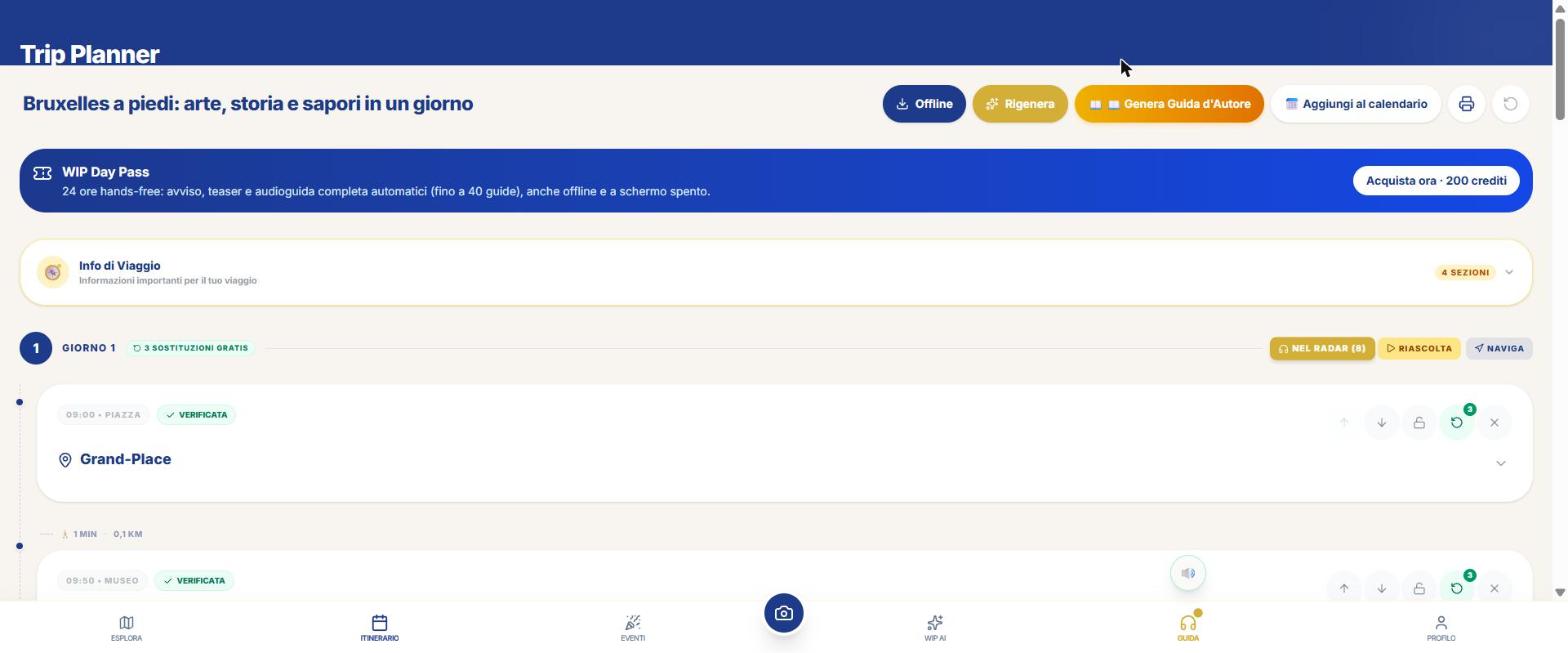
Large city · 8 stops, each "verified", with durations, km on foot, CO₂ and taxi between stops.
Large city · 4 pages, the file you download with the print button.
Smaller center · 5 pages: Tiberio Bridge, Malatestian Temple, Domus del Chirurgo, Rinaldini flatbread…
The routes to reach an itinerary
- Automatic Mode: choose destination and days and the AI composes the itinerary.
- Itinerary Library: hundreds of ready‑made itineraries, Free.
- From My Favorites: starts from the places you’ve saved.
- Radius: choose a base and a radius, get three alternatives.
- Swip: swipe through attractions and keep the ones you like.
- Group Trip: each person votes with a PIN and WIP merges the preferences.
- When to go: month‑by‑month weather.
- Short stop: ports and airports: what to do with a few hours.
Tutorial: create an itinerary
- Open the Itinerary tab.
- Choose the destination and the days (from 1 to 30).
- Optional: departure period or date (used for weather), Start / End of day.
- In the advanced options: "Include local events", "Include tours and activities", "Free" (only free stops, meals excluded). With "Show basic options" choose budget (Economy, Standard, Luxury), travelers (Solo, Couple, Family, Group), pace (Relaxed, Standard, Intense) and guide (Nicky, Dante, Both).
- Confirm: creation costs 10 credits per day and a window tells you that beforehand.
- Read the result: map, travel info, a daily budget table, real times between stops and, for legs of 1.5 km or more, a Transport button that opens Google Maps with public transport.
What you can do on the result
- Replace a stop (some replacements per day are free, then 8 credits) and Regenerate while locking the stops you want to keep.
- Plan B if rain is forecast: an indoor alternative.
- Download for offline and save in "My downloads".
- PDF: the printable program with map and legend of stop numbers.
- Calendar: export to .ics.
- Author’s Guide: a PDF guide written about your itinerary (20 credits per day): styles Art and History, Family, Shopping and Design, Food & Wine, Essential. It also arrives by email; with audiobook, EPUB and podcast among the connected tools.
All your stuff, in one place
The My downloads screen (from Profile, from Itinerary › "My Itineraries" and from Offline) has five folders: Itineraries, Maps, Audioguides, Premium Guides and Museum Guides. Each item has the Open, Navigate, Story, PDF and Delete buttons.
What WIP does not do (so you know what to expect)
- Public transport is a link to Google Maps: WIP does not have an internal transport planner.
- There is no hotel reservation.
Frequently asked questions
How much does an itinerary cost?
10 credits per day. The Ready Itinerary Library is free.
Can I have only free things?
Yes: the «Free» option keeps only free stops (meals excluded).
Can I share it?
Yes: PDF, guide sending, travel story and Group Trip with PIN.
Continue with
Itinerary Library
WIP's Library: ready-made, free itineraries, to open, save offline and follow. How to find and use them.…
Navigator
How to navigate with WIP: WipNav on foot with voice, tour with audioguides, custom route and opening in Google…
Free and credits
What is free in WIP and what costs credits: place cards, map, Itinerary Library, teaser, WipNav; full audio gu…
Content checked against the app code on 16 November 2026. If something does not match what you see, write to support@wip.guide.